If you are a user of Microsoft SharePoint Technologies, you may notice that Microsoft only supplies icons for Microsoft or generic products in their Document Libraries. For instance, PDF documents show up with the default windows icon and the extension is hidden. So any user hasn't a clue what type of file it is until she clicks on it. I found this site to be informative and accurate to add the PDF icon into a location on your server hosting SharePoint and where to edit an XML file to add the file to SharePoint. This fix will work for any document extension you wish to add an icon to SharePoint. Once the changes are added you will need to restart your IIS services or reboot the server.
http://msmvps.com/blogs/cgross/archive/2004/10/26/16679.aspx
The site also includes an icon and batch file to automate the process, but use at your own risk.
Saturday, September 30, 2006


Thursday, August 17, 2006
ActiveSync SYNC_5
On a Verizon Pocket PC with Windows Mobile installed I was getting the error SYNC_5 when I was trying to sync up with the Exchange Server. This problem started after we changed the ISP service. All I did to resolve it was go into the AciveSync > Options > Server Tab and uncheck the calendar, contacts, and mail items. Close out of Active Sync then open again and re-check those items. Now Syncing works. Of course I had to resync everything again because by unchecking ActiveSync deletes all sync items.
I found my answer at:
http://hardware.mcse.ms/archive35-2005-6-187023.html
I found my answer at:
http://hardware.mcse.ms/archive35-2005-6-187023.html
Wednesday, August 09, 2006
Verizon Wireless WAN Card
If you have misplaced your Verizon Wireless WAN card software you can go here to download it again.
http://vzw.smithmicro.com/download/
I needed it for a client's PC 5740 PCMCIA card.
http://vzw.smithmicro.com/download/
I needed it for a client's PC 5740 PCMCIA card.
Tuesday, August 01, 2006
Changing the default font in Microsoft Word 2003
Have you ever asked yourself, "How do I change the default font in Microsoft Word 2003?"
To adjust the default fonts within word follow these 5 steps:
1)Make sure all programs are closed
2)Open Word
3)From the top bar, click on Format > Font
4)In the window that pops up make changes to the font information you want to adjust:

To adjust the default fonts within word follow these 5 steps:
1)Make sure all programs are closed
2)Open Word
3)From the top bar, click on Format > Font
4)In the window that pops up make changes to the font information you want to adjust:
5)Click on the Default button and then OK to save your changes.
This will make changes to the main Word default document. If you use other templates such as Fax coverpages, you will need to load those templates and perform steps 3-5 again.
Wednesday, June 14, 2006
CHM file won't show correctly
I've had problems on my Windows XP machine viewing html help files with the *.chm extension. Also it only happened on files that I downloaded from the internet. When opened, the file has the tree structure on the left and in the right-hand pane says "Action Cancelled"
 To resolve this issue, right click on the filename or icon and choose "Properties." Under the general tab you will see a section called "Security" under the "Attributes" section. Click on "Unblock." Now you should be able to open up the file.

If This doesn't solve your issue click here to view how others have solved their problem. This is the site that helped me to fix my problem.
To resolve this issue, right click on the filename or icon and choose "Properties." Under the general tab you will see a section called "Security" under the "Attributes" section. Click on "Unblock." Now you should be able to open up the file.If This doesn't solve your issue click here to view how others have solved their problem. This is the site that helped me to fix my problem.
Friday, June 09, 2006
My New Computer
Well, for the first time in five years I'm building a computer again. I swore I wouldn't do it and just get an HP or DELL, but they just didn't have what I wanted. Plus, it's fun to assemble. When searching for the parts I wanted I found that NewEgg.com was the best computer store ever. Eat your heart out, Fry's. Below is the list of items that I chose to use for my multimedia master:
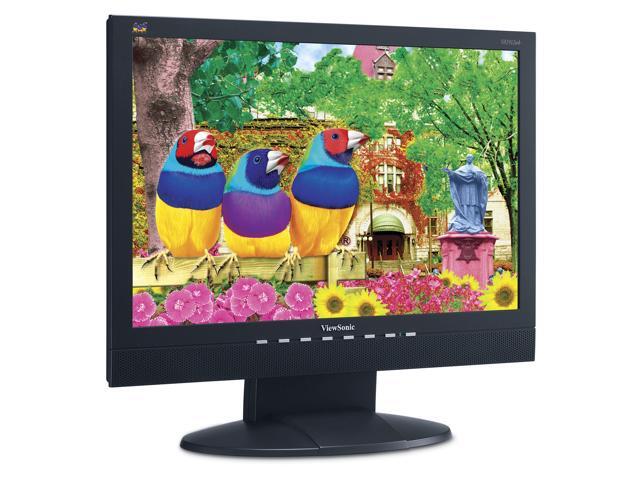
ViewSonic VA1912wb 19" DVI Widescreen LCD Monitor. It doesn't tilt to portrait, and the speakers aren't great, but I wasn't going to use those features anyway. It has a crisp clean color and is BIG!
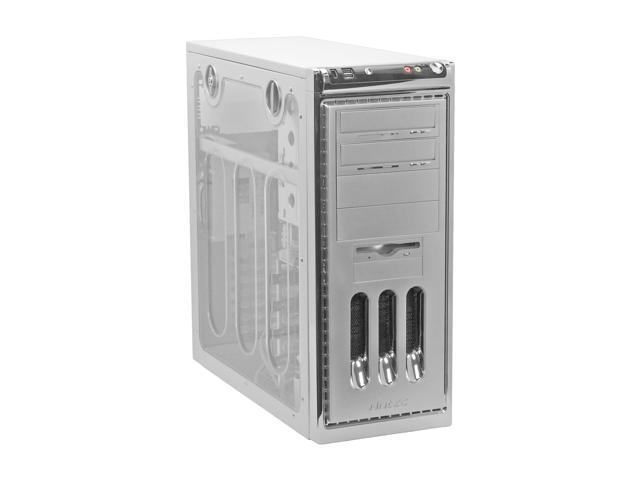
Antec P-160W Silver Case with Side Panel Window, big and easy for part installation. It even has a thermometer inside the case for temperature readings: Fahrenheit or Celsius.
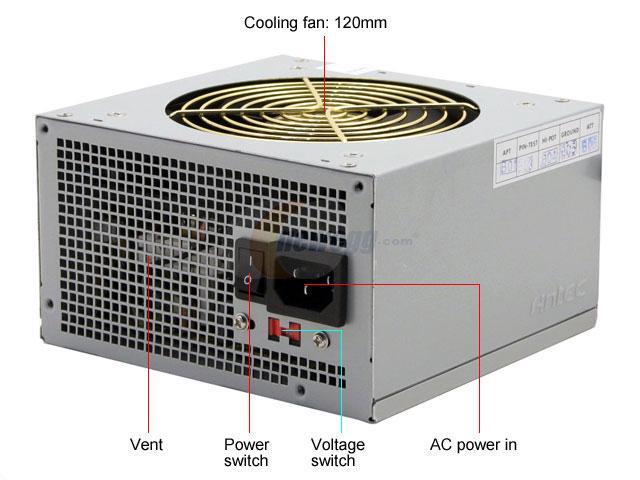
Antec TruePower 2.0 480 Watt Power Supply, quiet and powerful.
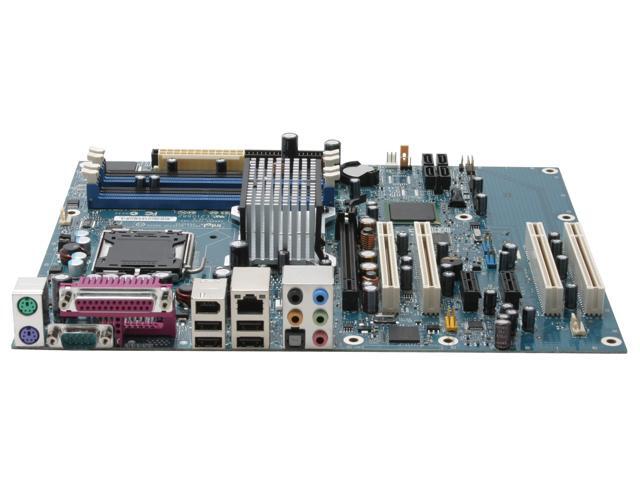
Intel D945PVS ATX Media Series Motherboard with Onboard SATA RAID, digital sound, and more USB and Firewire Ports than you can shake a stick at.
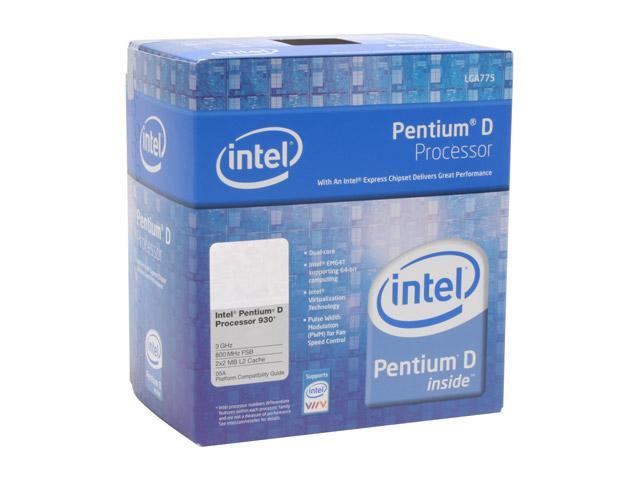
Intel Pentium D 930 800MHz FSB, 2 x 2MB L2 Cache, 3.0GHz; Dual core, put XP x64 on here and also another heatsink and fan. The fan it comes with is LOUD!
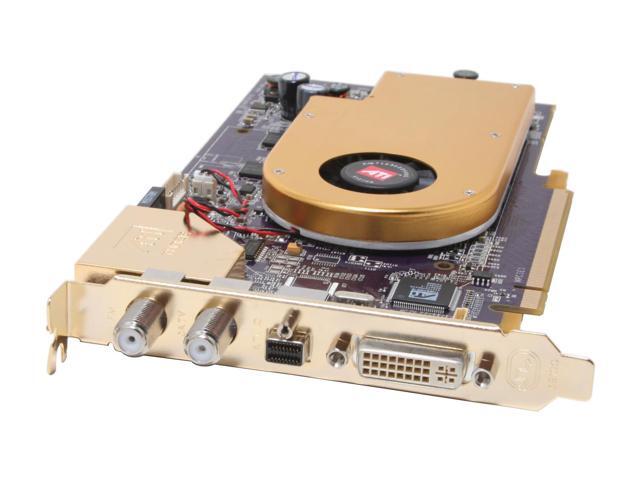
ATI All-In-Wonder 2006 Edition 256MB DDR3 VIVO PCI Express x16. This bad boy has a TV Tuner, FM Radio, remote control, and so much included software features there's no need for Media Center Edition.
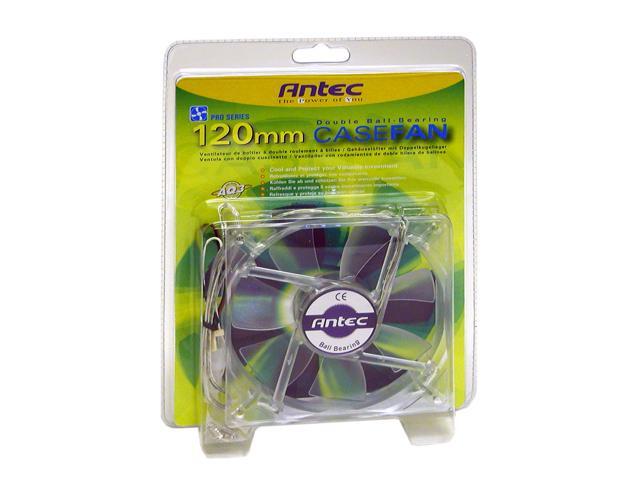
Antec 120mm Ball Case Fan. With all the hard drives I'm putting inside I needed a way to put more cool air inside the case... quietly.
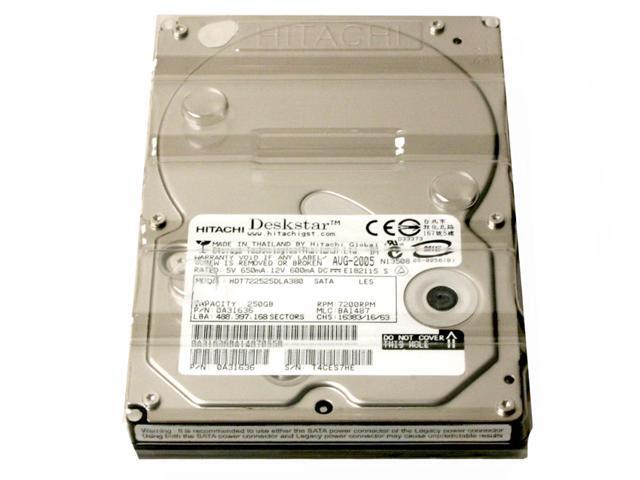
Hitachi Deskstar 250GB 7200RPM SATA II 3.0Gb/s Hard Drive. Four of these puppies in a RAID 5 configuration gives me 750GB of data storage that keeps my data intact in case of a hard drive failure.
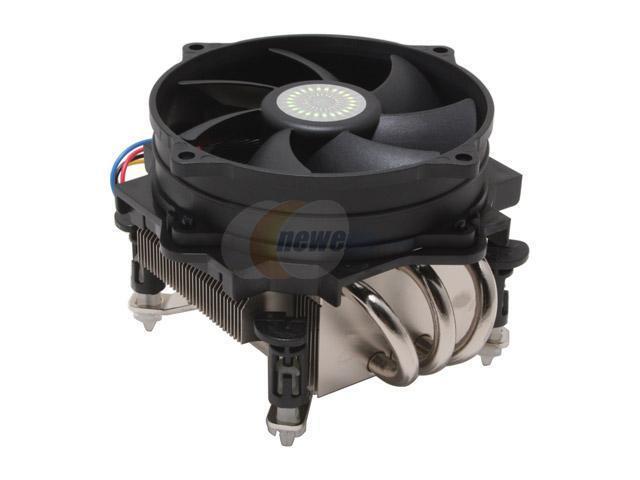
Cooler Master CPU Fan/Heatsink. I want a quiet machine, Intel's included heatsink and fan were just too loud, and this one keeps the dual cores cooler too.
In the end I think I should've gone with Microsoft's Windows 64-bit version over the Media Center Edition. But who really knows if it would be any better. People ask me why I didn't put Linux on it instead, but that's because my wife will be using this computer too. And she only wants to know how to use Windows.
Friday, May 26, 2006
Global Address List (GAL)
I had a customer call me because he added a new user to his Small Business Server and wanted to see them in the Global Address List in his Outlook. Exchange doesn't automatically update the GAL upon user creation in Active Directory. I think it's strange that Exchange doesn't automatically update the GAL when it creates a mail box for the user. Instead Exchange is set up to update the GAL once a day. If you want that person to be listed immediately you will have to manually start the update.
First you need to open up the Exchange System Manager and navigate to Recipients > Offline Address Lists
From there, select a time that is closest to your current time and wait for it to pass. Outlook should update automatically. And your employees won't have to manually type in the new users full email address.
First you need to open up the Exchange System Manager and navigate to Recipients > Offline Address Lists
Second, double click on the Default Offline Address List
Third, under update interval click the Customize button.

From there, select a time that is closest to your current time and wait for it to pass. Outlook should update automatically. And your employees won't have to manually type in the new users full email address.
Subscribe to:
Posts (Atom)